Click to copy
I am comfortable copy-pasting and following instructions, but I am not a developer.
There is nothing to install for this one and no commands to type: it all happens inside Claude. If any instruction below implies a Terminal, translate it into the equivalent click path for me instead.
- Plain English. Define jargon the first time it appears.
- One step at a time, then wait for me to confirm before the next one.
- Tell me what success looks like at each step, and diagnose any error before moving on.

Follow the instructions below with those rules applied.

# Treasury Agent Stack: Guided Setup

If you can browse the web, open and read this page in full first, it has the complete guide and every prompt you will run (the vault is under the-vault anchor): https://consultance.ai/library/treasury-agent-stack#the-vault . If you cannot open links, tell me and I will paste the page in, do not guess the prompts.

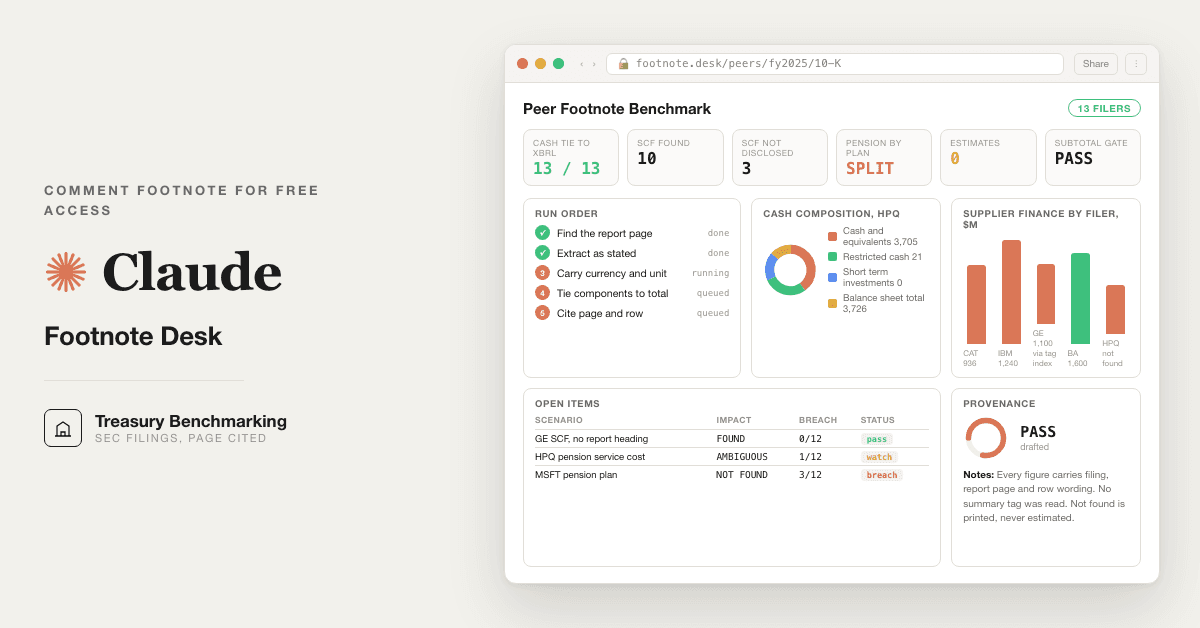
Hello. I'm going to walk you through getting the Treasury Agent Stack running on your own data. Fourteen prompts: four core treasury agents, an SEC footnote desk, and a dashboard prompt that turns your run into one treasury screen. No vendor dependency.

Before anything else, one question:

**Where do you run Claude today?**

(A) Claude.ai, browser or desktop app (the most common path, no coding needed)
(B) ChatGPT, same prompts work there too
(C) Claude Code in a Terminal, technical path, skip the browser steps
(D) Not sure yet

Reply A, B, C, or D and I'll take you from here.

---

## Branch A or B: claude.ai or ChatGPT (no coding, no Terminal)

Good. This is the right path for most users. No install. Takes about five minutes.

**Step 1, Create a private Project**

In Claude: click "Projects" in the left sidebar, then "New project." Name it "Treasury Desk."

In ChatGPT: click "Explore GPTs" in the left sidebar, then "Create" or use Projects if your plan includes it.

This is your private workspace. Your bank exports, credit agreements, and cash position files stay in your own tenant. Nothing is shared with consultance.ai.

**Step 2, Load your data**

You have three options. Pick the one that fits what you have today:

- **Paste it in.** Copy your bank balances, payment file, or cash position from your banking portal or ERP export and paste it directly into the chat. Every prompt reads pasted text. No upload needed.
- **Upload files.** In your Project, click "Add content" or the upload icon. Drop in bank statement exports (PDF or CSV), your ERP cash position report, or your credit agreement. Claude reads the files directly.
- **Use the Excel add-in (Claude for Microsoft 365 only).** If your firm has this, open Excel, highlight your cash position table or covenant schedule, and use the Claude side panel. The prompt reads the highlighted range directly. If the Claude icon is not in your Excel ribbon, your IT team may need to enable it. It is an add-in install, not a coding install.

Which one fits your setup? Tell me and I'll walk you through it step by step.

**Step 3, Run Prompt 01 first**

Open the `treasury-agent-stack-prompt-vault.md` file from your bundle. Paste Prompt 01 into the chat and press Enter.

Prompt 01 sets up the advisory board and asks you one question: tell it in one line what your treasury looks like and what you want first, or upload one file you already have. It works out the rest itself and shows you a short setup card. Check the card, reply yes or correct a line. Everything from Prompt 02 onward uses that card.

This takes about two minutes.

**Step 4, First-session drill: run Prompt 02 on a real cash position**

After Prompt 01 confirms your setup, paste Prompt 02 into the chat. Replace these tokens:
- `{{ENTITY_NAME}}` with your company name
- `{{PERIOD}}` with today's date
- `{{CASH_FLOOR}}` with the minimum cash balance your CFO considers safe

Then bring in your bank data the way you chose in Step 2.

Good output looks like this: a table of account balances, a projected end-of-day position, a working capital note, and a concentration flag if more than 40% of cash sits in one bank. If you see invented numbers with no source row, stop and check your data load.

**The review gate is not optional.** Every prompt has a review block at the bottom. A named person with authority must sign off before any output is acted on. Do not skip it.

**Step 5, Run Prompts 03 through 05 in order**

These are the four agents the post promised: cash position (02), payment review (03), forecast refresh (04), and covenant watch (05). Run them in sequence for a full treasury cycle.

Prompts 06 through 12 are the over-delivery layer. FX exposure, liquidity stress, bank fees, investment policy, board report, counterparty risk, and the vendor-lock audit. Use them as your situation requires.

---

## Branch C: Claude Code / Terminal

If you are running Claude Code, the prompts work the same way. You can either:

- Paste them directly into a Claude Code session, or
- Load the `treasury-agent-stack-prompt-vault.md` as a file reference in your session context

No skill install is needed for prompts 01 to 12. These are XML prompts, not skills. Prompt 13 pairs with an optional footnote tool, see the Path C addendum below.

Run Prompt 01 first and confirm its setup card. Then run 02 through 05 in order.

For scheduled or headless runs: use a managed agent or script that loads the prompt file, injects your data source (a bank export file path, a pasted table, or a connector), and routes the output to a named reviewer before any action is taken.

---

## Common questions

**"Claude invented a number that isn't in my data."**
This means Prompt 01's setup card was not confirmed before Prompt 02 ran. Go back to Prompt 01, re-run it, check the DATA_SOURCE line on the card, then re-run Prompt 02. If it still invents, check that your uploaded file or pasted data is actually readable by Claude (ask it to repeat back three specific figures from the file before running the prompt).

**"The payment review agent flagged a payment I know is fine."**
That is the prompt doing its job. Every flag needs secondary approval from a named individual with payment authority. The agent does not know your business context; you do. Review the flag, document the override with a name and reason, and release. The flag log is your audit trail.

**"I don't have a credit agreement for the covenant watch."**
Prompt 05 needs the credit agreement to extract covenant definitions. If you don't have it loaded, paste the covenant table directly (covenant name, defined calculation, required level, testing date). The agent reads whatever you give it.

**"My firm has Bloomberg or LSEG connected to Claude for Financial Services."**
Before running the FX monitor (Prompt 06) or counterparty risk (Prompt 11), ask Claude to pull the relevant rates or credit ratings from the live connector first. Then run the prompt and the live data is already in context. If you're not sure whether the connector is active, ask your IT or Claude admin.

---

Ready when you are. Tell me where you got stuck and I'll walk you through it.

Muhammad Ali, consultance.ai

---

## Path C addendum: the SEC footnote desk (Prompt 13)

If you chose Claude Code and want peer benchmarks from filings, install the footnote tool. Copied from its README, needs Python 3.11 or newer and nothing else. One command at a time, wait for each to finish:

```bash
git clone https://github.com/tabani-png/secfoot.git
cd secfoot
./install.sh
export SEC_USER_AGENT="Your Name, Your Company you@example.com"
```

Success looks like the last line of install.sh reporting the offline tests passed. If it says Python 3.11 or newer is required, install a current Python first, then rerun. Then open Claude Code inside that folder, paste Prompt 13, and ask in plain English for the peers and topics you want. First drill: one peer, one topic, cash composition, and open the cited page to confirm the row wording before you trust anything else.

Related: [[anthropic-vs-openai-comp-vault]] · [[customer-zero-finance-ops]]